
Videos
DayZ modding tutorials and updates from the Phlanka YouTube channel.

28 Jul 2026
How to Create Custom Glow Textures for DayZ Using Blender Masks
You can get the tools from https://beta.phlanka.com my discord is http://discord.phlanka.com
Watch on YouTube →
08 Jul 2026
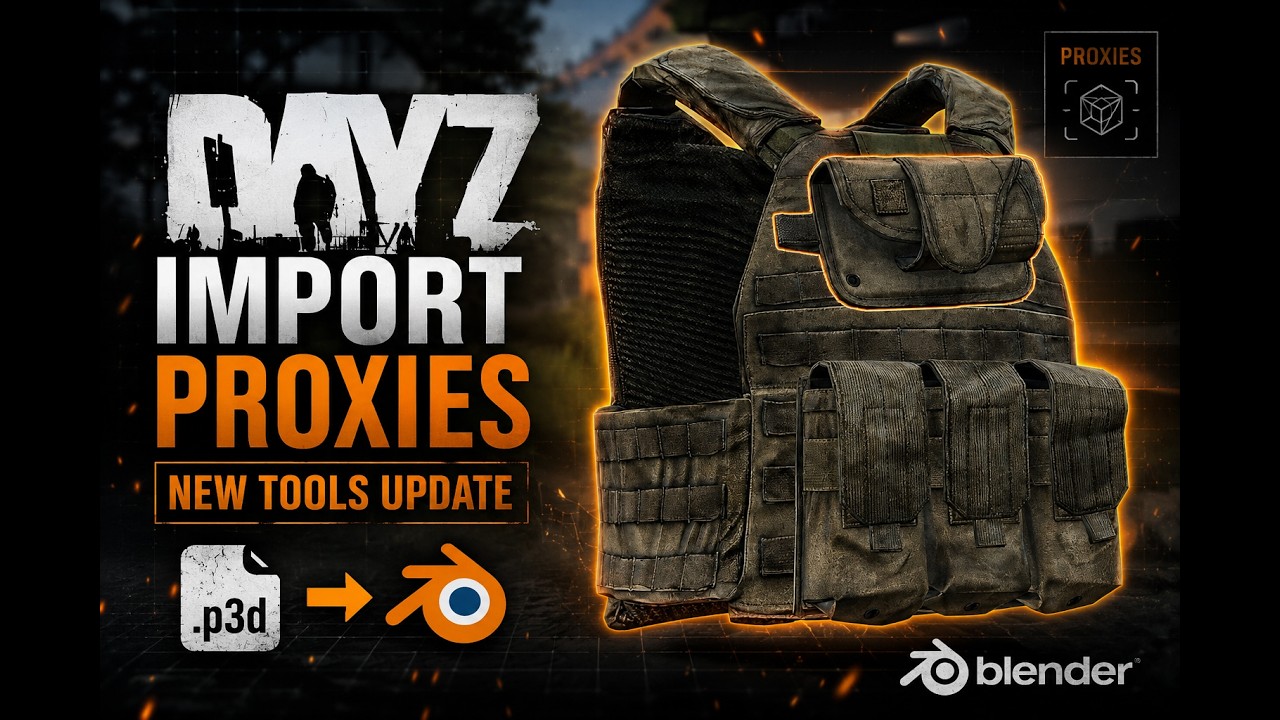
How to Import DayZ P3D Models with Proxies in Blender
Learn how to import DayZ P3D models with proxies into Blender using the latest Import Cleanup update from my DayZ Texture Tools addon. This update lets you choose exactly which proxies to import alongside your model, making it much easier to work with items like plate carriers, weapons, attachments, clothing, and other DayZ assets. In this video: Import DayZ P3D models into Blender Select which proxies to import Quick overview of the new Import Cleanup UI 🔧 Get DayZ Texture Tools: https://beta.phlanka.com/ 💬 Join the Discord community: http://discord.phlanka.com
Watch on YouTube →
04 May 2026
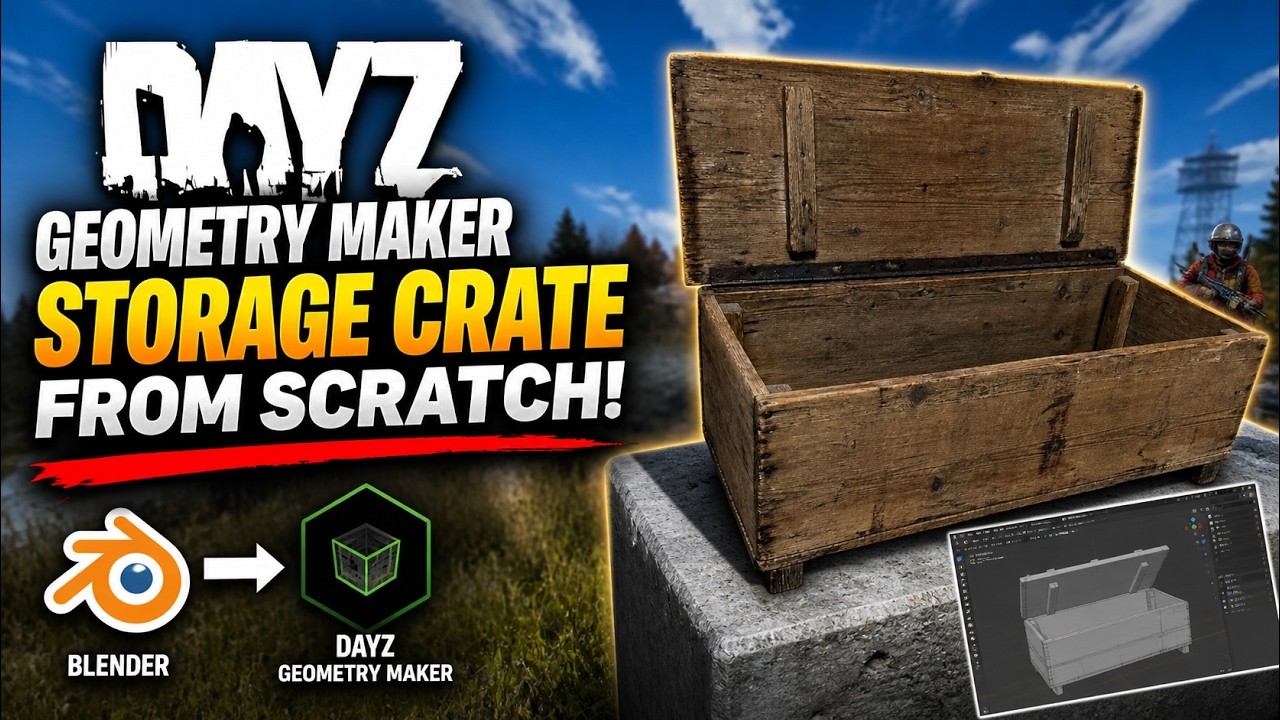
I Made a DayZ Storage Crate in 20 Minutes Using AI (Tripo + Blender + Geometry Maker)
I made a fully working storage crate in DayZ in under 20 minutes — with zero manual scripting. Everything from interaction to storage functionality was automatically generated, so the entire process is faster, cleaner, and way more beginner-friendly than traditional DayZ modding. Here’s the full workflow: Generated the 3D model using Tripo AI Imported into Blender Used DayZ Geometry Maker to handle geometry, LODs, and setup Automatically generated all scripts for opening + storage Exported to P3D Loaded in-game and fully working The crate opens, stores items, and works exactly how you'd expect — without writing a single line of code. This is easily one of the fastest ways to create interactive DayZ assets right now. 🔧 Tools Used: Tripo AI — generate 3D models fast: https://studio.tripo3d.ai?via=Phlanka&invite_code=BK7OTF DayZ Geometry Maker — Blender addon (geometry + auto scripting): https://github.com/Phlanka/DayZ-Geometry-Maker DayZ Texture Tools — texture pipeline for Blender: https://beta.phlanka.com/ Limited offer — use code GEOMETRY for 25% off all lifetime tools Expires 19 May 2026 If you're into DayZ modding, this workflow removes one of the biggest barriers — scripting — and lets you focus purely on creating. #DayZ #DayZModding #DayZMods #Blender #GameDev #AI3D #Tripo #DayZTools #Modding #DayZTutorial
Watch on YouTube →
28 Apr 2026
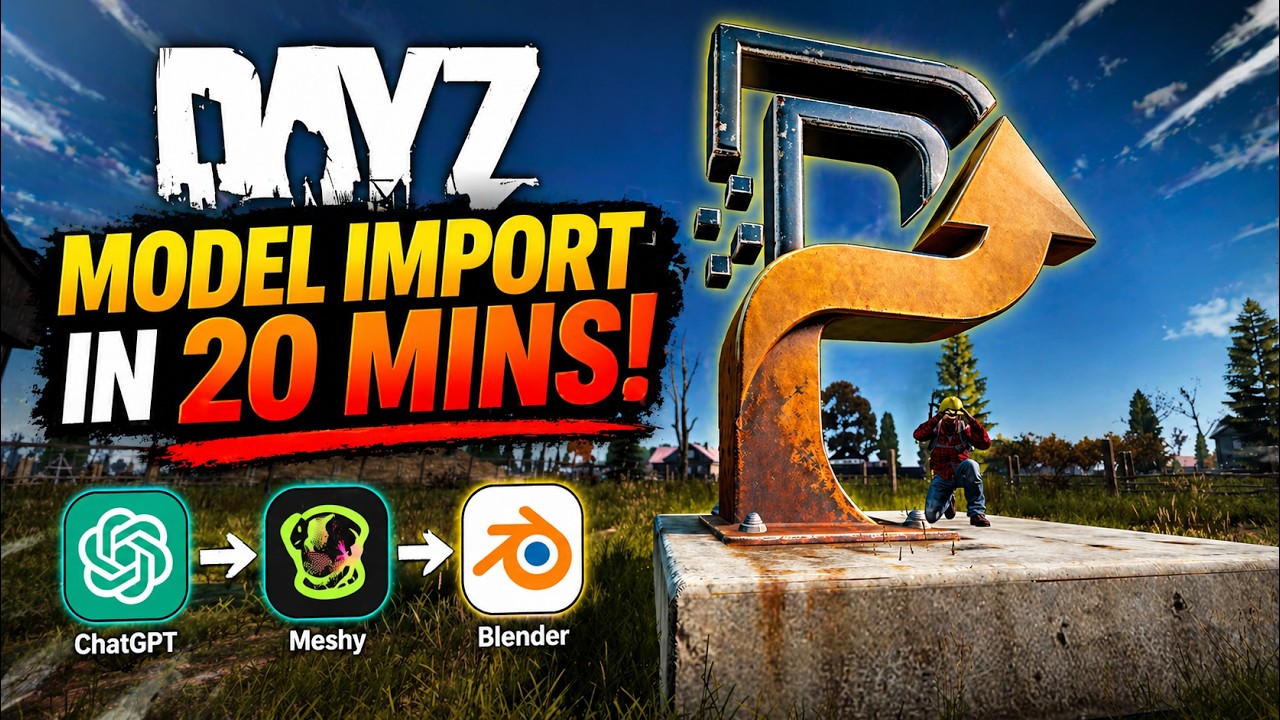
I Made a DayZ Mod in 20 Minutes Using AI (ChatGPT + Meshy + Blender)
I used AI to go from zero to a working DayZ mod in about 20 minutes. Here's the full workflow: Used ChatGPT to generate a reference image for the model concept Used Meshy to turn that into a low-poly 3D model ready for game use Imported into Blender, set up the geometry and LODs with DayZ Geometry Maker Exported directly to P3D In-game and working This is genuinely the fastest I've ever gone from idea to playable DayZ asset. 🔧 Tools Used: Meshy — AI 3D model generator (get your first month for £1 instead of £16): https://www.meshy.ai/?via=phlanka&utm_source=meshy&utm_medium=referral-program&utm_content=TVKSAB&share_type=invite-friends DayZ Geometry Maker — free open source Blender extension for P3D export: https://github.com/Phlanka/DayZ-Geometry-Maker DayZ Texture Tools — texture baking and PAA pipeline for Blender: https://beta.phlanka.com/ Limited offer — use code GEOMETRY for 25% off all lifetime tools Expires 19 May 2026 If you're a DayZ modder and haven't tried AI-assisted workflows yet, this video will change how you think about asset creation. #DayZ #DayZModding #AIModding #Meshy #Blender #GameDev #DayZMods
Watch on YouTube →

21 Apr 2026
I call it the Dusty Musty
Watch on YouTube →

08 Apr 2026
Import DayZ Models Fully Textured in Blender (Textures + Env Maps)
This video covers the latest update to DayZ Texture Tools (v5.0.0.033). You can now import DayZ P3D models directly into Blender with original textures and environment maps automatically applied — including colour, normal, and specular maps. Download the tools: https://beta.phlanka.com/ Note: The Import Cleanup module is required for this feature.
Watch on YouTube →

08 Mar 2026
Reskinning a DayZ weapon in substance painter (full guide)
you can get the tools at https://beta.phlanka.com/ my discord is http://discord.phlanka.com/
Watch on YouTube →

05 Mar 2026
Blend Materials Using Masks & Edge Detection
In this Blender tutorial I show how to blend two different materials together using texture painting and masks. I used a DayZ weapon model where a metal material is painted over a patterned base texture to create realistic wear and surface variation. Techniques covered in this video: • Texture Paint masking • Stencil brush workflow • Blending multiple materials • Edge detection masks(Using Bevel and Dot Product) This workflow is useful for game assets, weapon skins, props, and any model where you want procedural or painted edge wear.
Watch on YouTube →
04 Feb 2026
Batch Export Gearsets from Blender to DayZ (Fast Workflow)
In this video I show how to batch export complete DayZ gearsets directly from Blender without the usual manual setup, duplication, and baking headaches. This workflow is built around Blender 5.0 combined with the Phlanka DayZ Texture Tools platform, using the Collection Catalogue and Batch Baker to speed everything up. If you’re creating multiple clothing sets, variants, or full outfits for DayZ, this setup will save you a huge amount of time. 🛠 Tools used in this video: • Blender 5.0 + • Phlanka DayZ Texture Tools (beta) + Collection Catalogue + Batch Baker 🔗 Phlanka's Tools: https://beta.phlanka.com 💬 Discord support & community: http://discord.phlanka.com/
Watch on YouTube →

23 Jan 2026
How to Switch From Legacy Phlanka Tools to the New Platform
Quick guide on switching from the legacy Phlanka Tools to the new platform and addon. This video covers: • Requirements • License migration • Addon installation • Removing the old tools • Importing legacy assets New platform: https://beta.phlanka.com Discord support: http://discord.phlanka.com
Watch on YouTube →
17 Jan 2026
Blender 5.0 + DayZ: Full Weapon Reskin Workflow with Phlanka Texture Tools
In this video, I showcase a major update to my DayZ texture workflow tools, built for Blender 5.0. I walk through the entire process from start to finish: Installing the new tools Importing a DayZ weapon into Blender Reskinning the model Adding decals Animating textures And testing the final result in-game These tools are designed to remove repetitive setup work and let you focus on creating better skins faster — whether you’re reskinning weapons, gear, or other DayZ assets. 🔧 Get the Tools 👉 Phlanka Texture Tools (Beta) https://beta.phlanka.com Use the same email as your existing Phlanka account if you’re a current customer. 💬 Join the Community 👉 Phlanka Discord http://discord.phlanka.com Join the Discord for: Tool updates & announcements Beta feedback DayZ modding discussion Future feature previews 🎮 Built for DayZ Modders These tools are specifically built for: DayZ weapon & item reskins Fast texture iteration Clean Blender → DayZ workflows More updates and tools are coming.
Watch on YouTube →